
How to Fund Your Roobet Account: Deposit Methods Guide
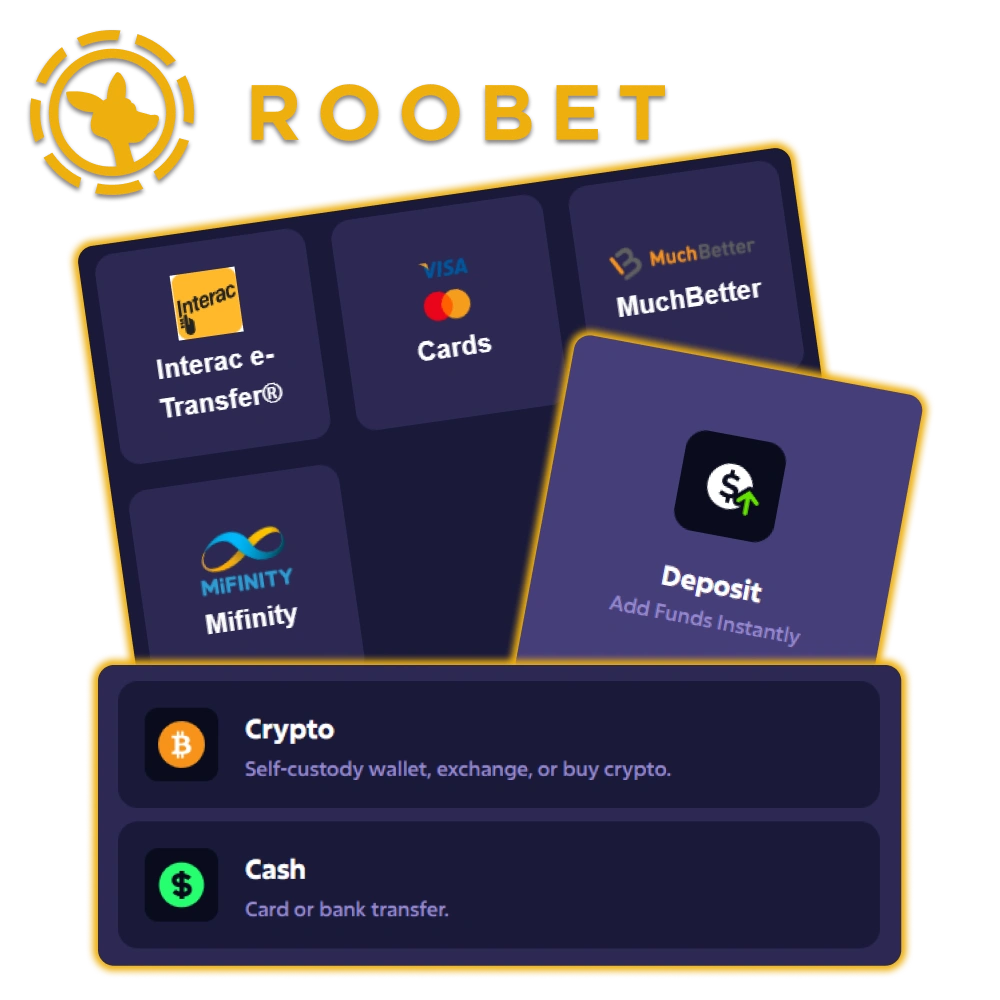
These deposit methods cover Cash, Bitcoin, Tether, USD Coin, Ethereum, Solana, Siu, BHB Coin, XRP, Tron, Litecoin, and Dogecoin, giving Canadian players a direct path to the Roobet casino and sportsbook. Each option routes through encrypted channels built for quick, secure transactions. Pick a payment method, fund your account, and get into live dealer tables, slots, or sports lines within minutes. Register now and start your first deposit.
Step-by-Step Deposit Process
Follow these steps to complete a Roobet deposit from your desktop account.
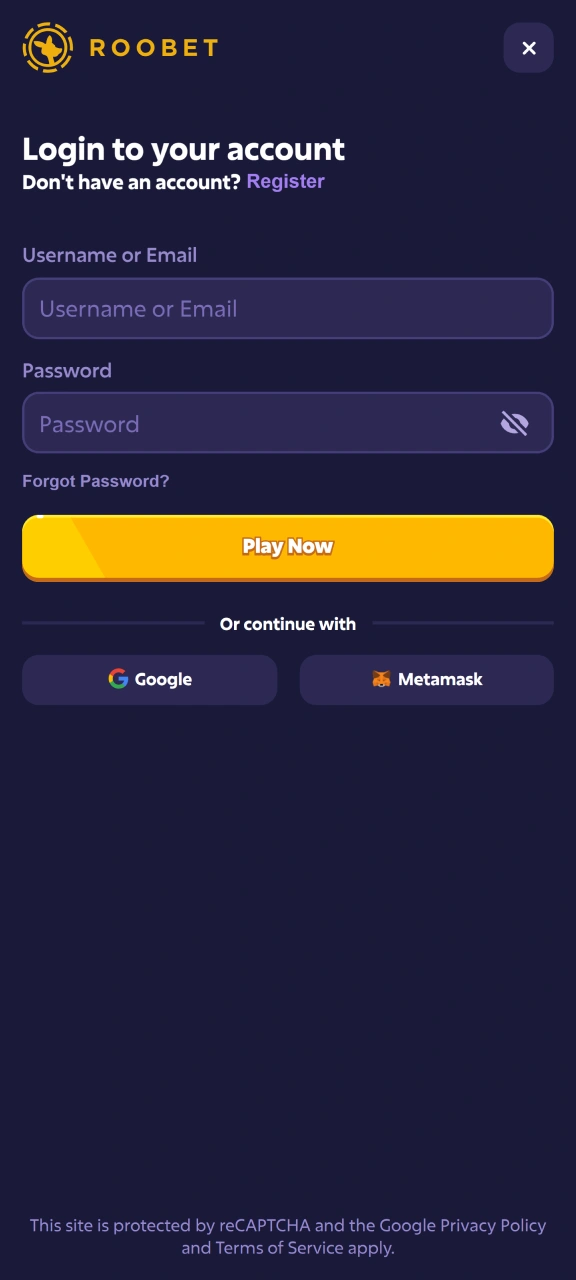
Log In to Your Account
Click the button below to access your dashboard, or register first if you do not have an account yet.
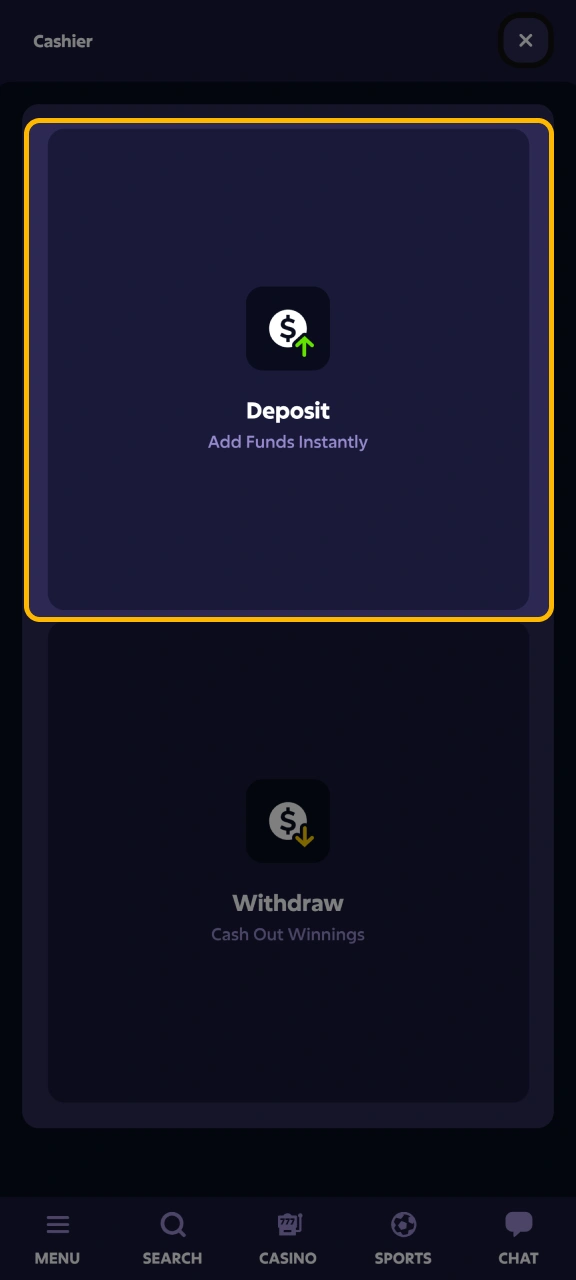
Open the Wallet Menu
Select “Deposit” from the top navigation bar to view every available payment method.
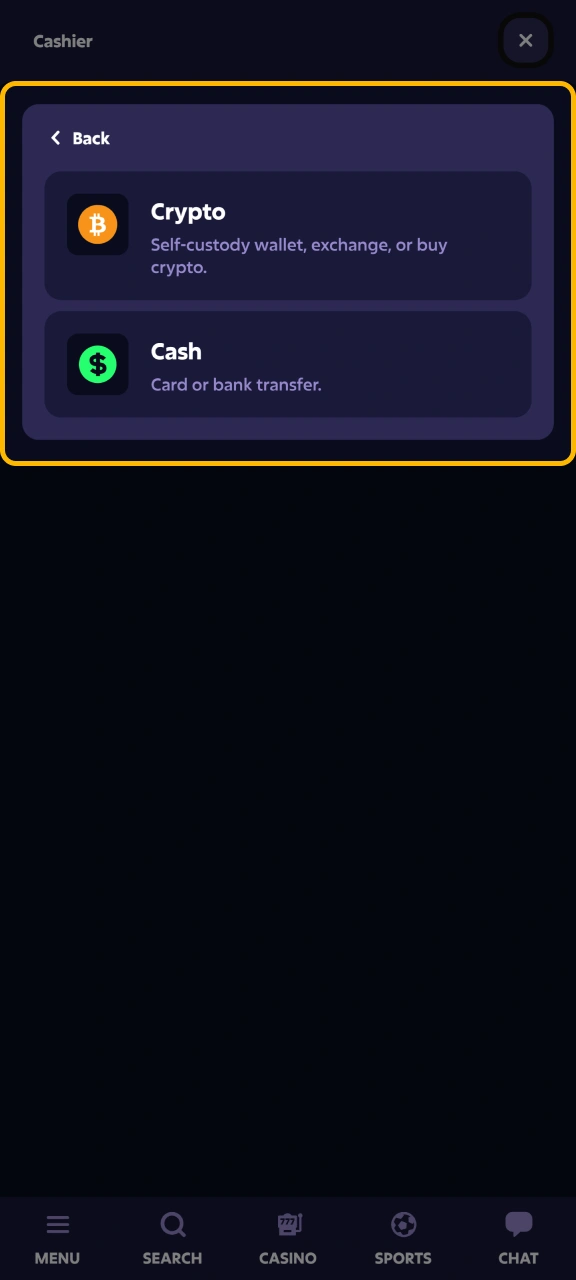
Choose Your Payment Method
Pick from Cash, Bitcoin, Tether, USD Coin, Ethereum, Solana, Siu, BHB Coin, XRP, Tron, Litecoin, or Dogecoin.
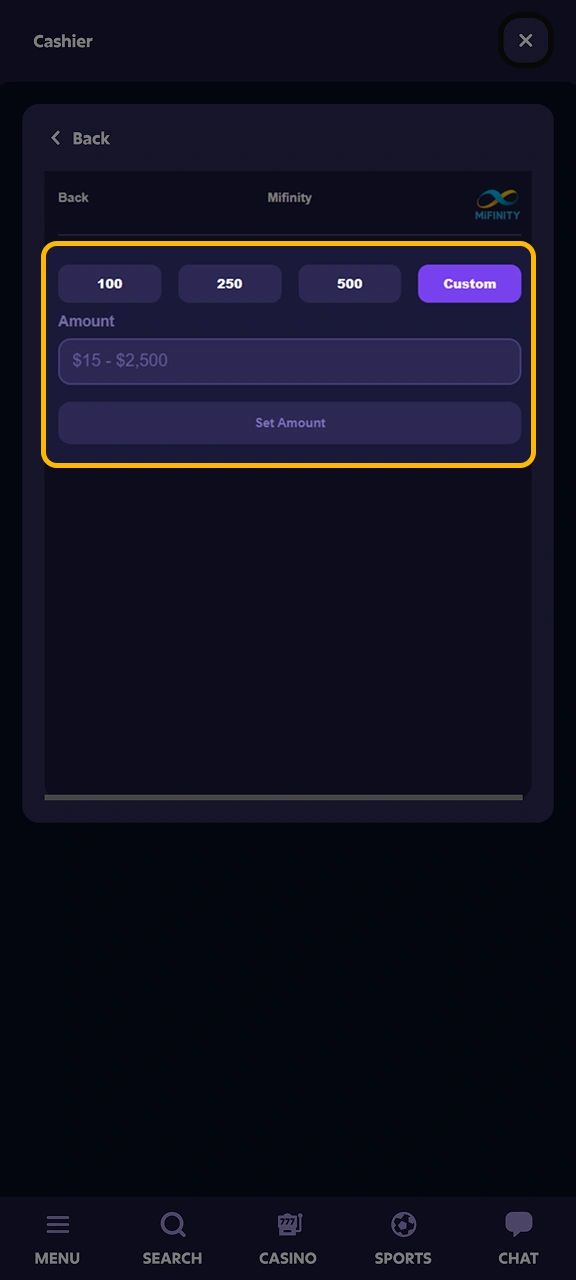
Enter Your Deposit Amount
Type the amount you want to add, keeping the minimum deposit threshold for your chosen currency in mind.
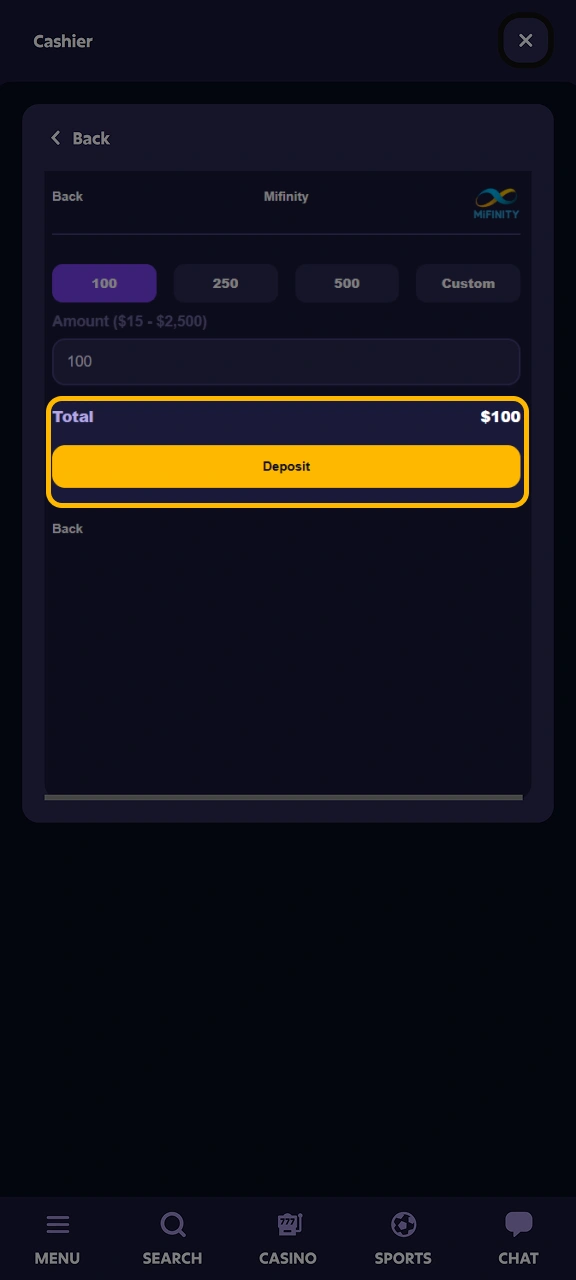
Confirm the Transaction
Review the details, then approve the transfer from your bank, card, or crypto wallet.
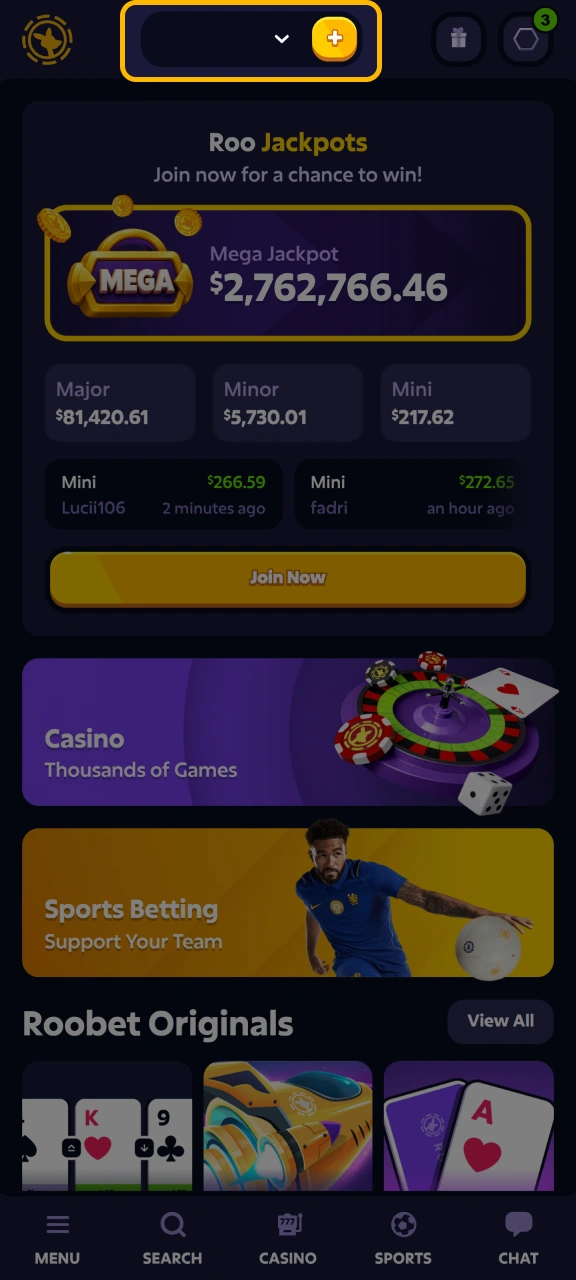
Check Your Balance
Your funds appear in your account balance once the network or payment provider confirms the transaction.
How to Deposit at Roobet With AstroPay?
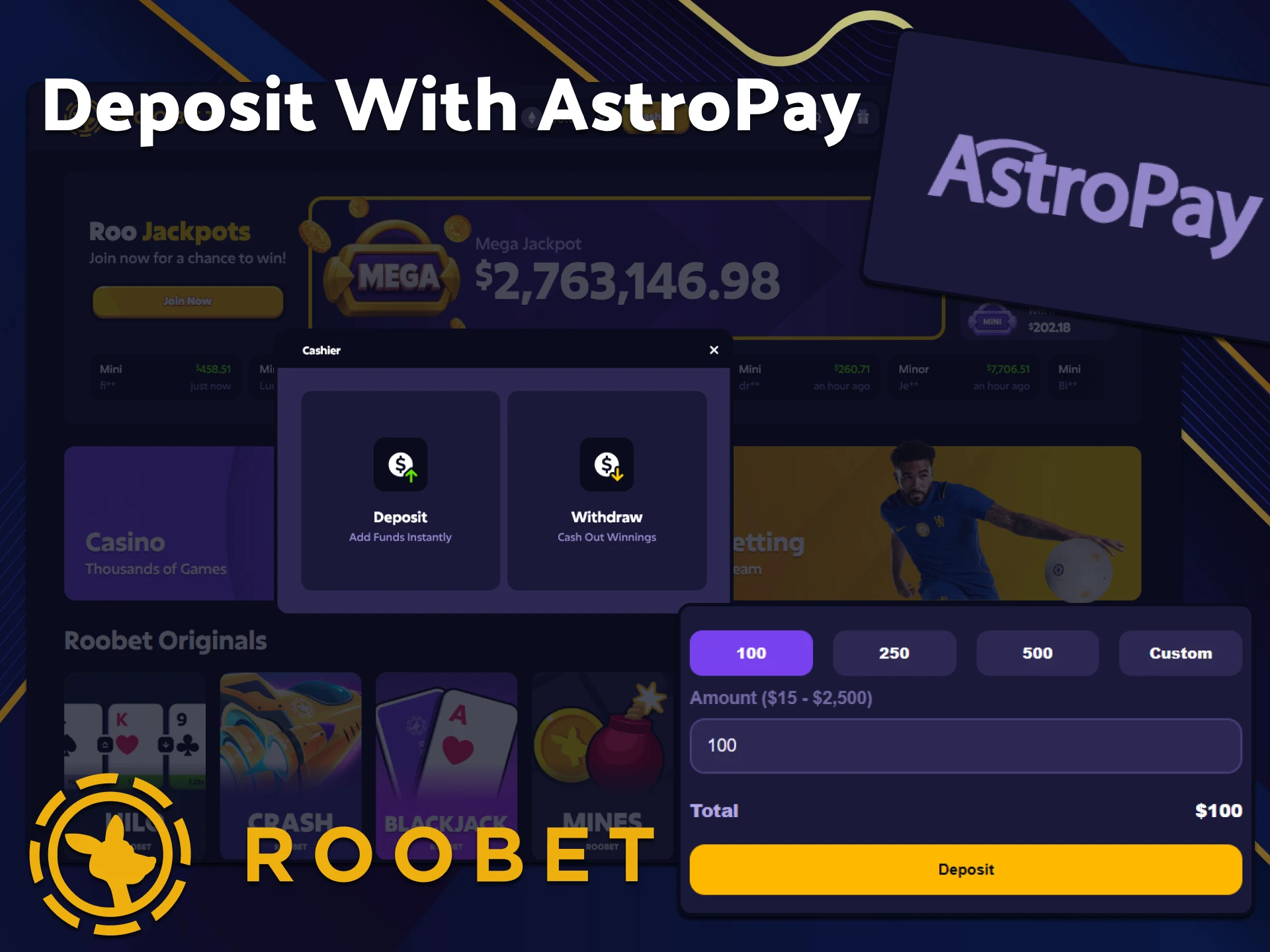
AstroPay is one of the deposit methods available at Roobet. Your balance is pegged 1:1 to the US dollar, and the minimum deposit is $10. Follow these steps to fund your account:
- Click Deposit at the top of the Roobet homepage to open the cashier.
- Select Cash from the drop-down menu, make sure your cash balance is selected, and choose AstroPay Card. Payment options depend on your location, so if AstroPay does not appear, it is not currently available in your region.
- Enter the amount you want to deposit and click Deposit.
- You will be redirected to the AstroPay page, where you can create an AstroPay account with your phone number, pay with an existing AstroPay card, or deposit through the AstroPay app.
- To use an existing card, select I have an AstroPay card, enter your card details, and click Continue.
- Check that the details are correct, then click Pay.
- You will be sent back to Roobet automatically. If that does not happen, click Back to Roobet.
Available Payment Options at Roobet Canada
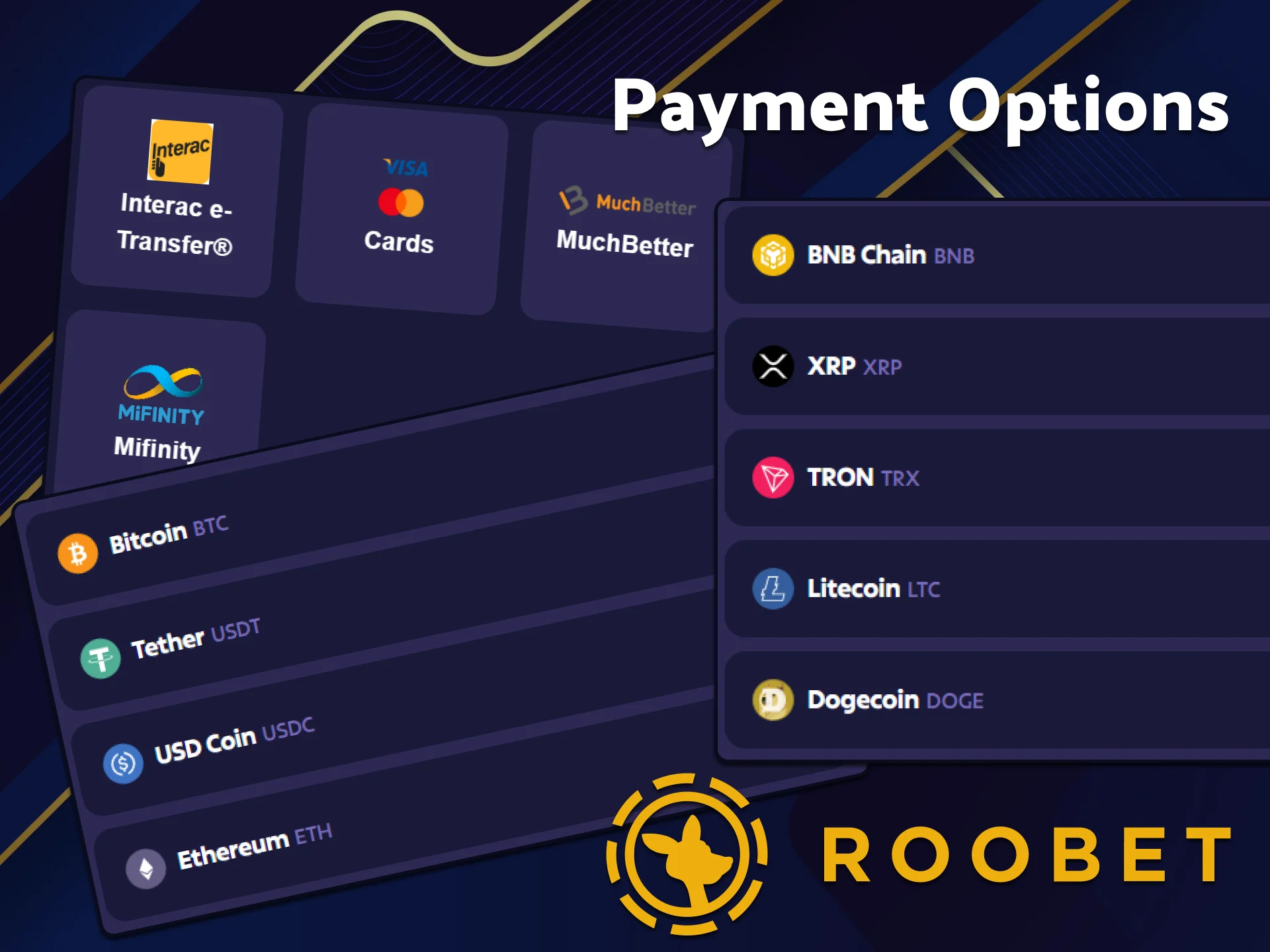
Roobet gives Canadian players a full set of deposit methods for quick, secure funding:
- Cash: convert local currency through supported conversion channels for a quick first deposit;
- Bitcoin (BTC): the original cryptocurrency, processed through blockchain confirmation for secure transfers;
- Tether (USDT) and USD Coin (USDC): stablecoins pegged to the US dollar, reducing price swings between deposit and play;
- Ethereum (ETH) and Solana (SOL): built for quick confirmation times, reducing wait before your balance updates;
- Siu and BHB Coin: additional crypto options supported directly in the wallet;
- XRP, Tron (TRX), Litecoin (LTC), and Dogecoin (DOGE): established altcoins with low network fees and quick settlement.
Each payment method routes through encrypted wallet infrastructure. Crypto deposits post to your balance after network confirmation, giving you quick access to Roobet games and sports betting lines.
Mobile App Deposit Process
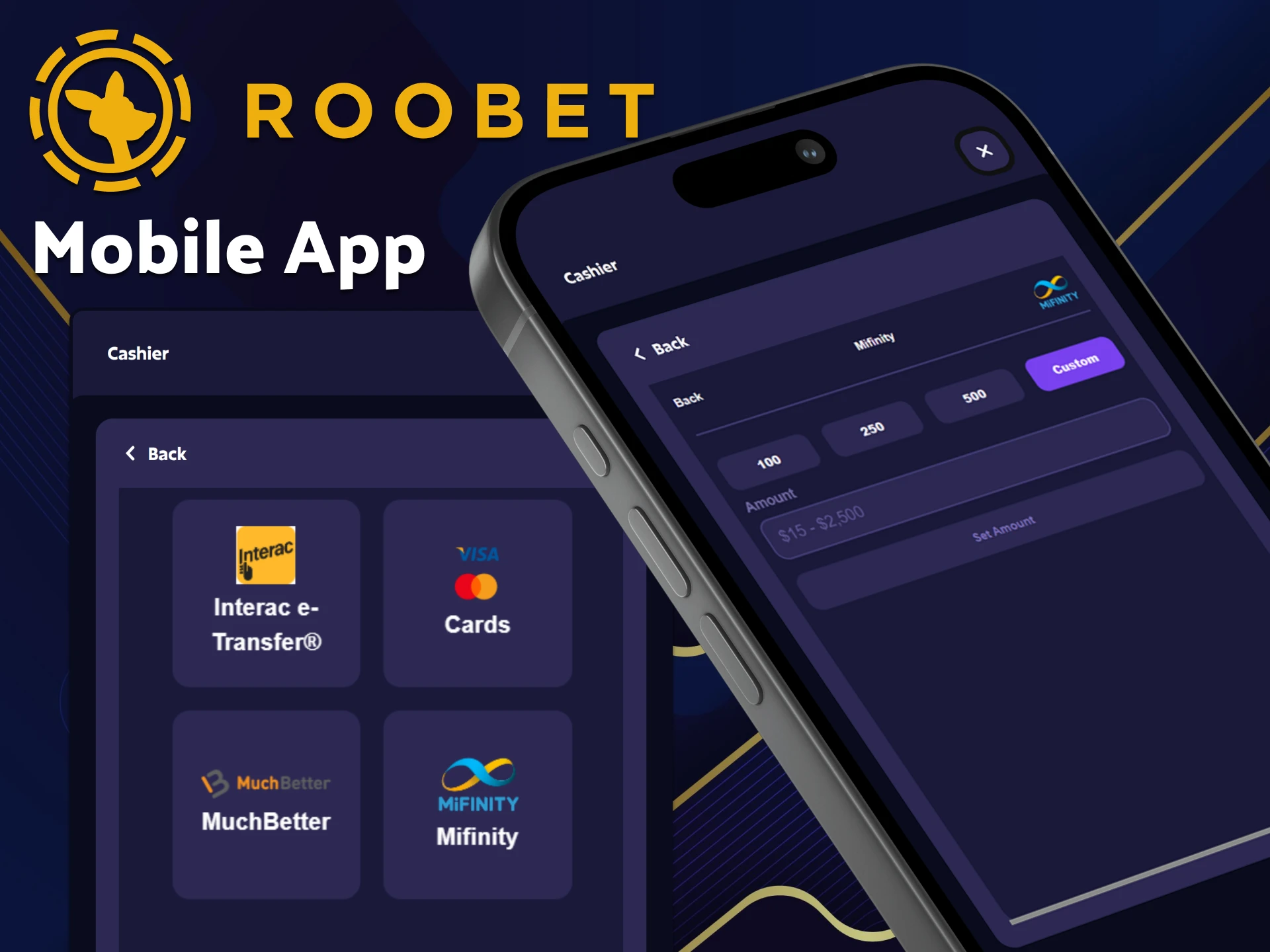
Click the button below to download the Roobet app and fund your account from any Android device.
- Open the app and log in to your account.
- Tap the wallet icon in the bottom menu.
- Select “Deposit” and choose a payment method from Cash, Bitcoin, Tether, USD Coin, Ethereum, Solana, Siu, BHB Coin, XRP, Tron, Litecoin, or Dogecoin.
- Enter your deposit amount and tap “Continue.”
- Confirm the transaction through your wallet or banking app.
- Return to the app to see your updated balance.
Deposit Processing Times
Crypto deposits post within 1 to 30 minutes, depending on network confirmation speed. Bitcoin, Ethereum, Solana, Litecoin, and Dogecoin follow this timeline. Tether and USD Coin transfers process at similar speeds. Cash conversions through supported providers complete within minutes to a few hours.
Deposit Bonus Mechanics
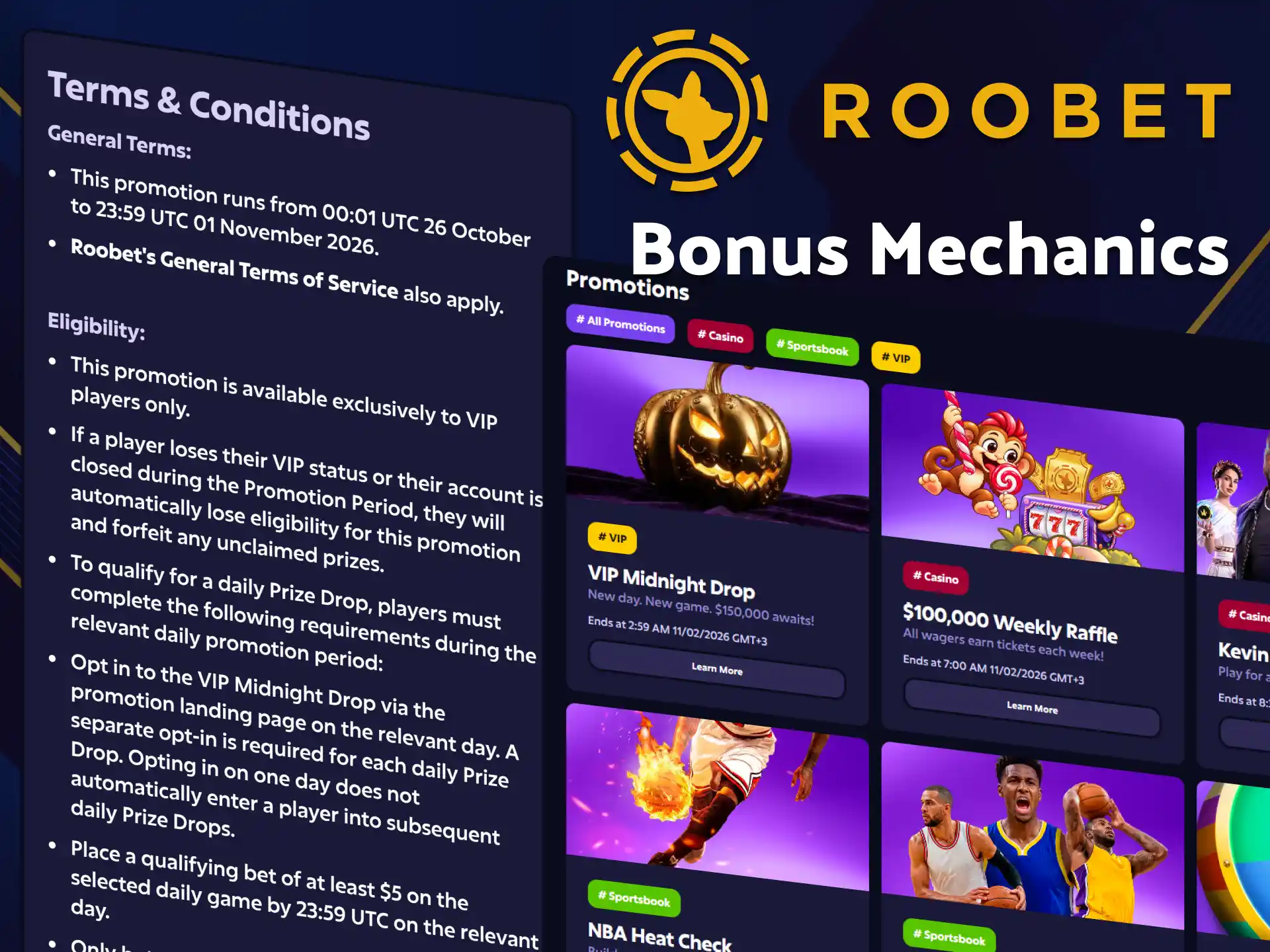
Roobet’s deposit cashback credits 20% back on qualifying deposits, capped at 200 CAD per day. A 500 CAD deposit returns 100 CAD in cashback, added directly to your balance. Cashback carries a wagering requirement before withdrawal becomes available, detailed on the Roobet bonus terms page. Once wagering conditions clear, cashback funds follow the same rules as the withdrawal page outlines. Claim your cashback after each qualifying deposit through your account dashboard.
Common Deposit Issues & Fixes
| Problem | Reason | Solution |
|---|---|---|
| Transaction declined | Insufficient funds in bank or wallet | Check your balance before retrying the transfer |
| Deposit not credited | Network confirmation still pending | Wait for blockchain confirmation, then refresh your balance |
| Wrong network selected | Crypto sent on an unsupported network | Contact the support team with your transaction ID |
| Verification hold | Account requires KYC verification | Complete the verification process in account settings |
| Amount below minimum | Deposit under the minimum deposit threshold | Resend the deposit meeting the minimum deposit amount |
Deposit Limit Controls
Roobet lets you set deposit limits directly from account settings, supporting Roobet responsible gambling practices:
- Daily limit: cap your total deposit amount per day;
- Weekly limit: set a maximum deposit amount per week;
- Monthly limit: control your total funding across a month;
- Limit by currency: apply separate caps for crypto currencies like Bitcoin, Ethereum, or Litecoin versus cash deposits.
Adjust these limits anytime from your account dashboard. Lowering a limit takes effect right away. Raising a limit applies after a waiting period, giving you time to reconsider before adding higher amounts. These controls give you direct oversight over your deposit amount and support ongoing account management.
FAQ
What is the minimum deposit?
The minimum deposit varies by payment method, starting near 10 CAD equivalent for most cryptocurrencies.
How do I deposit money in Roobet?
Log in, open the wallet menu, select a payment method from Bitcoin, Tether, USD Coin, or Cash, then confirm your transfer.
Are there deposit fees?
No deposit fees apply on this platform. Your bank, card provider, or network may apply its own transaction charge.
Can I cancel a deposit after confirming it?
Crypto transactions cannot be reversed once broadcast to the network. Contact the support team right away for cash transaction issues.
Which payment methods are fastest?
Ethereum, Solana, and Tron typically confirm within minutes, faster than Bitcoin or bank transfers.
Updated: