Registration at Roobet: Create an Account

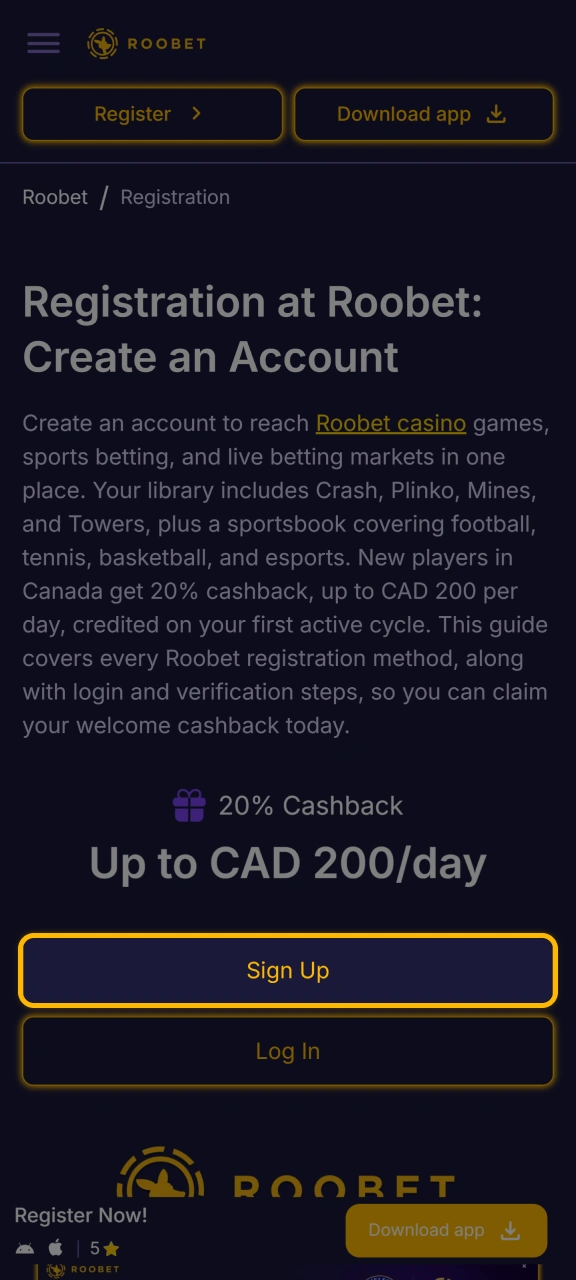
Create an account to reach Roobet casino games, sports betting, and live betting markets in one place. Your library includes Crash, Plinko, Mines, and Towers, plus a sportsbook covering football, tennis, basketball, and esports. New players in Canada get 20% cashback, up to CAD 200 per day, credited on your first active cycle. This guide covers every Roobet registration method, along with login and verification steps, so you can claim your welcome cashback today.

20% Cashback

Up to CAD 200/day

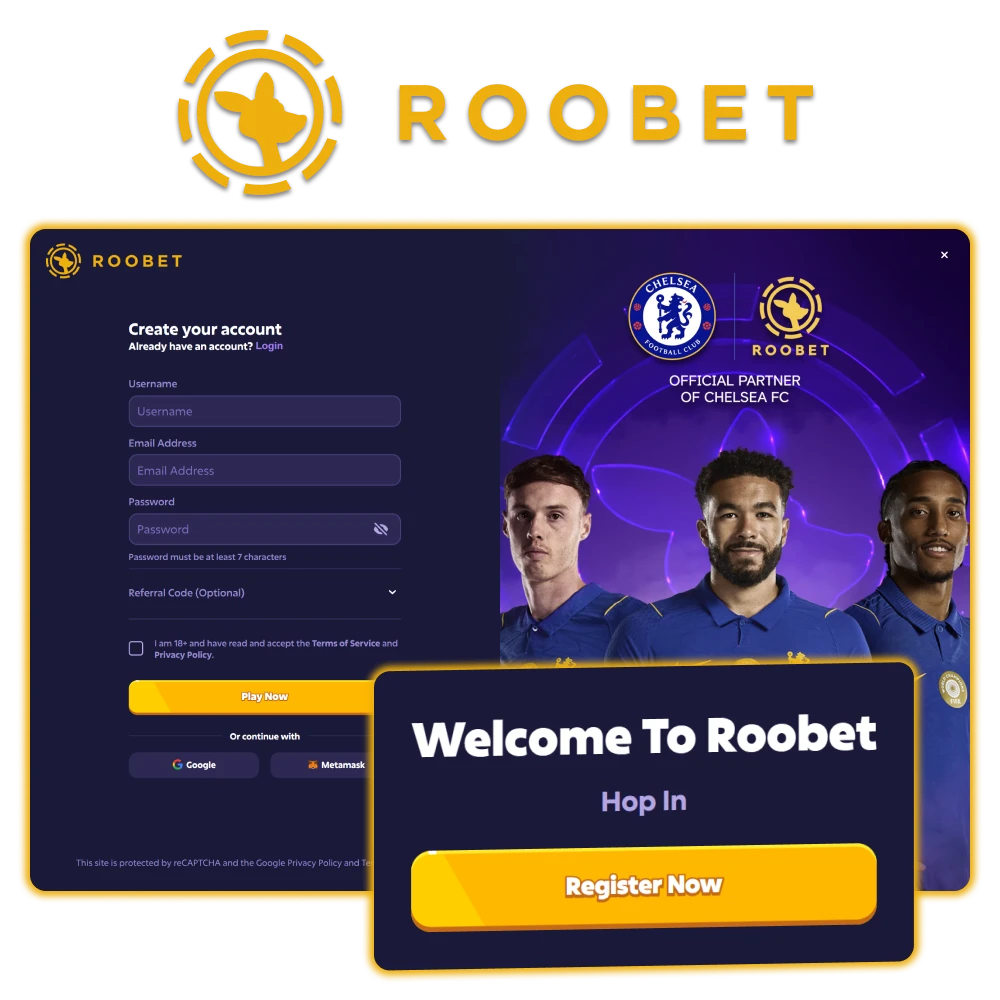
Create a new account on the Roobet website to access all the features.

Roobet Registration Methods

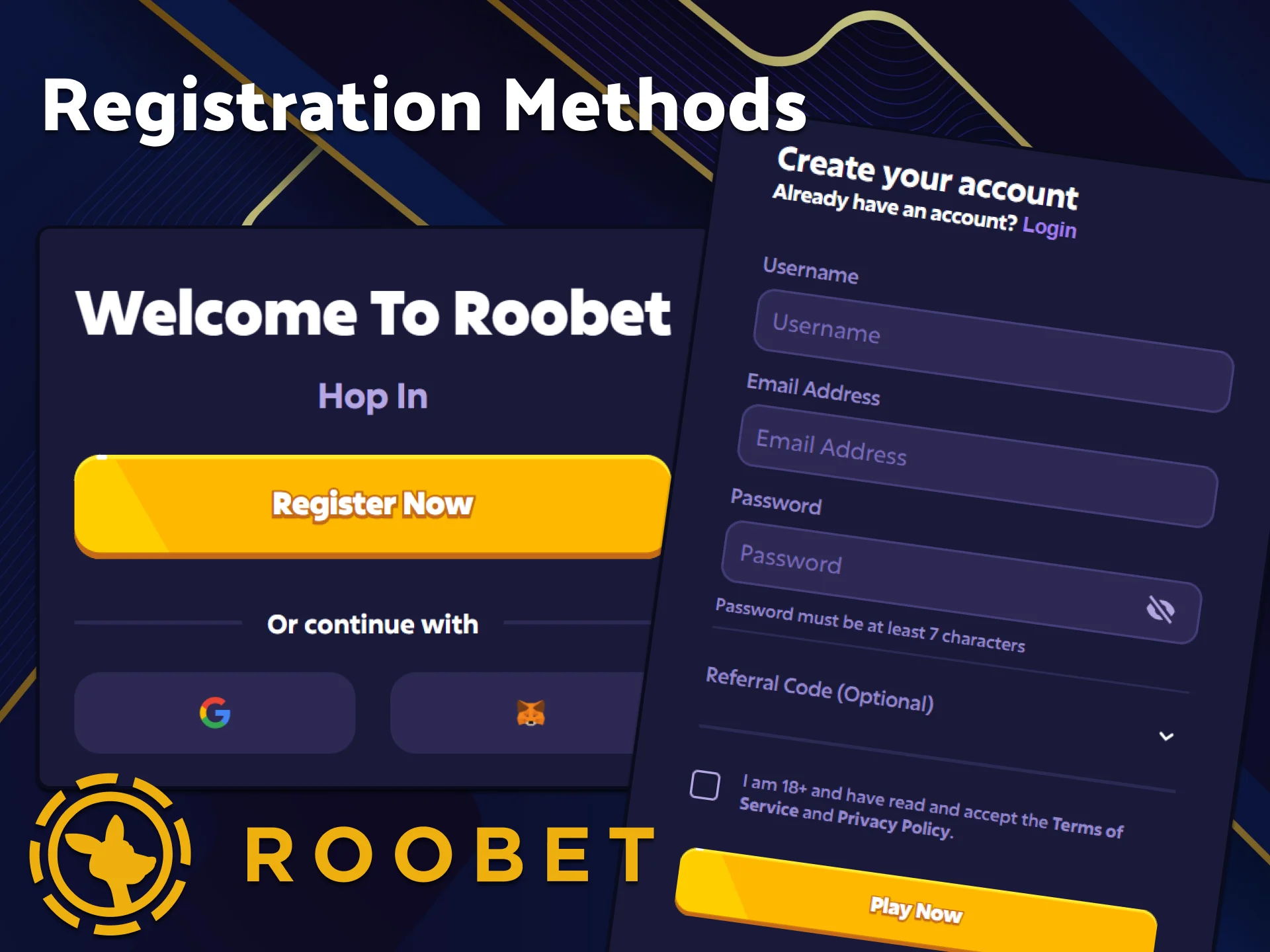
Explore email signup, Google or Metamask to register at Roobet.

You need an account before placing bets or spinning slots. Registration runs through three paths: the classic sign up with email and password, social login through Google, and a crypto wallet connection through MetaMask. Each path takes under two minutes and asks for different verification data, detailed below.

How to Register by Email on Roobet in Canada

Email registration takes under two minutes and gives full account access from the start.

1.

Click Sign Up

Select the Sign Up button on this page to open the registration form.

Tap Sign Up to open the Roobet registration form.
2.

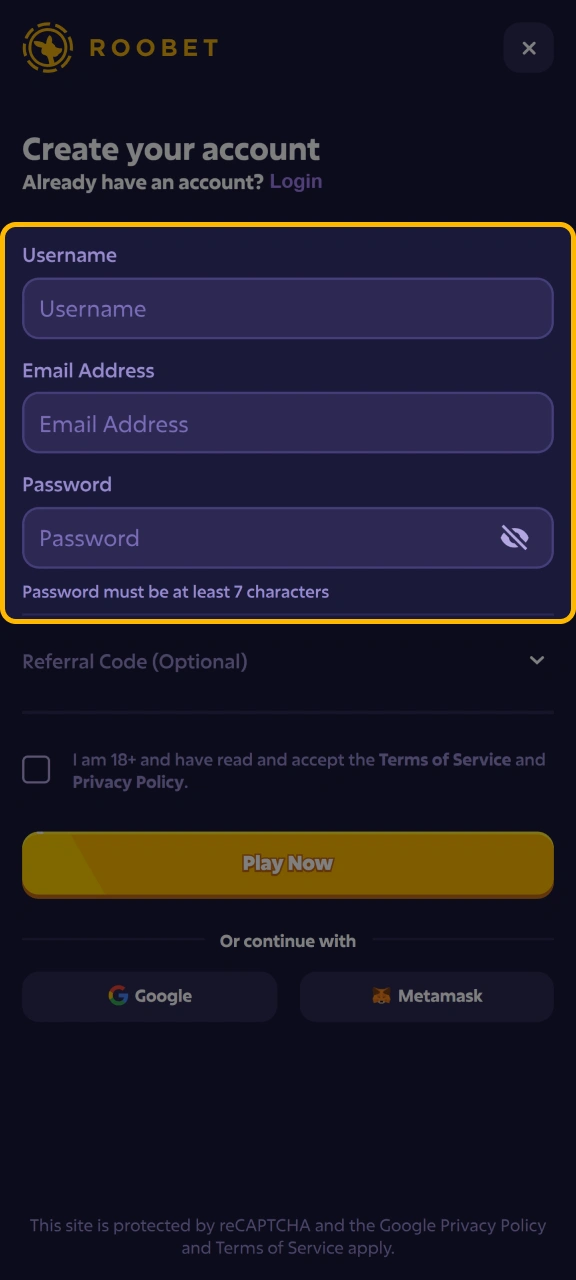
Enter Your Email and Password

Type a valid email address and set a password with at least 8 characters.

Choose a unique username and submit your credentials on the Roobet website.
3.

Confirm Your Email

Open the confirmation link sent to your inbox to activate your account.

Open the verification link sent directly to your inbox to confirm your email and use the Roobet platform.
4.

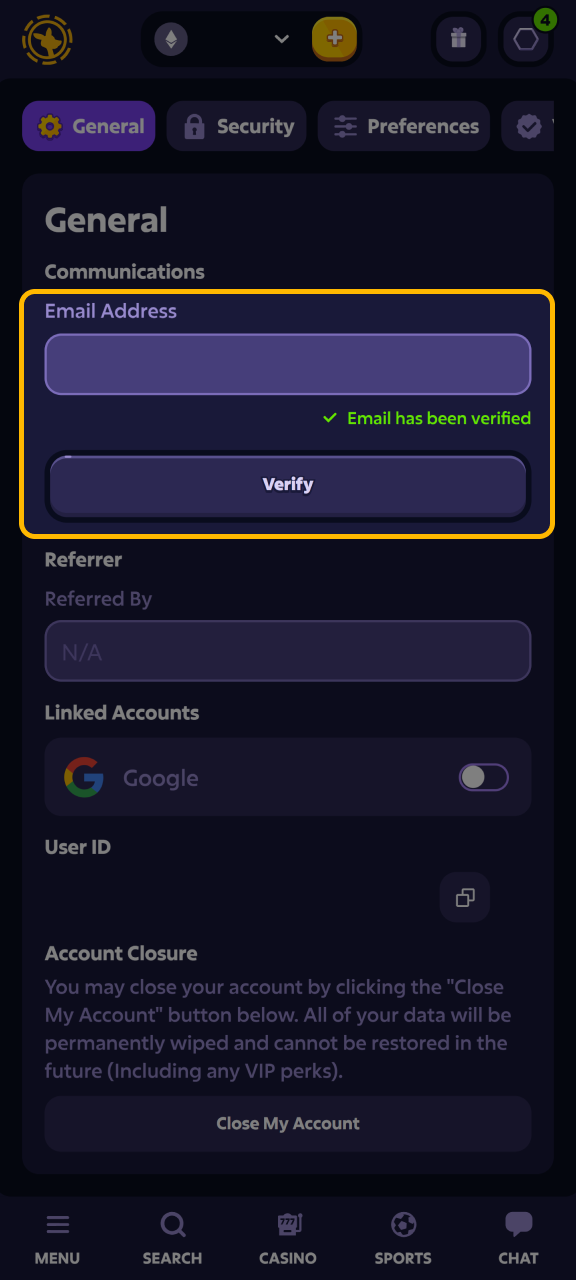
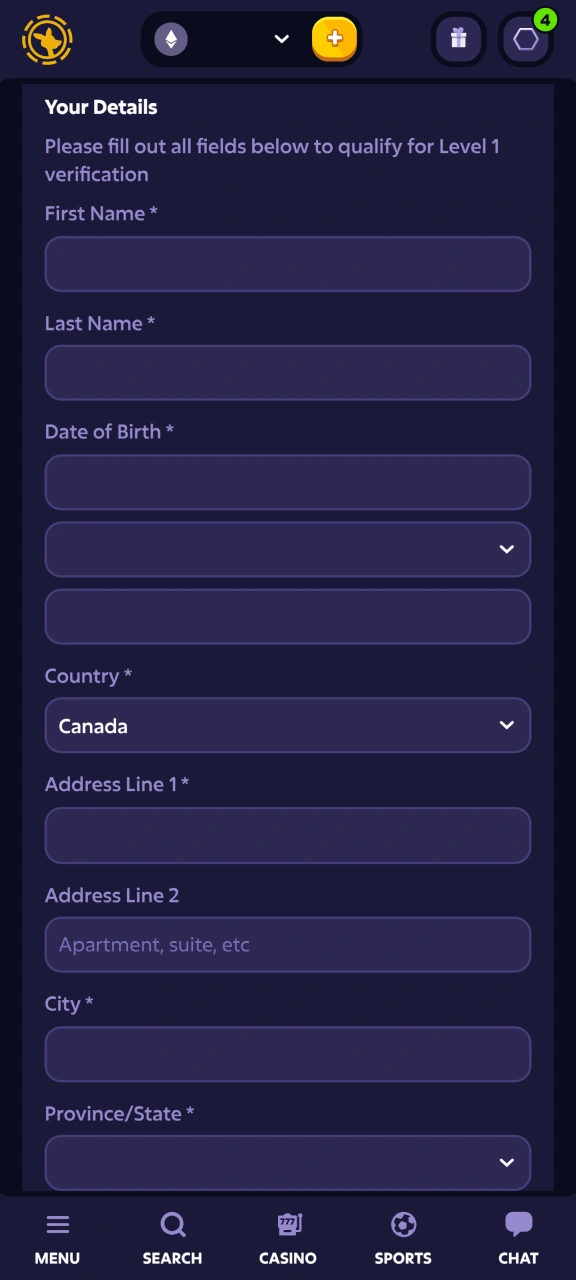
Complete Your Profile

Add your full name and date of birth to finish registration and start playing.

Add your residential details and birthdate to complete your profile at Roobet.

Metamask Registration

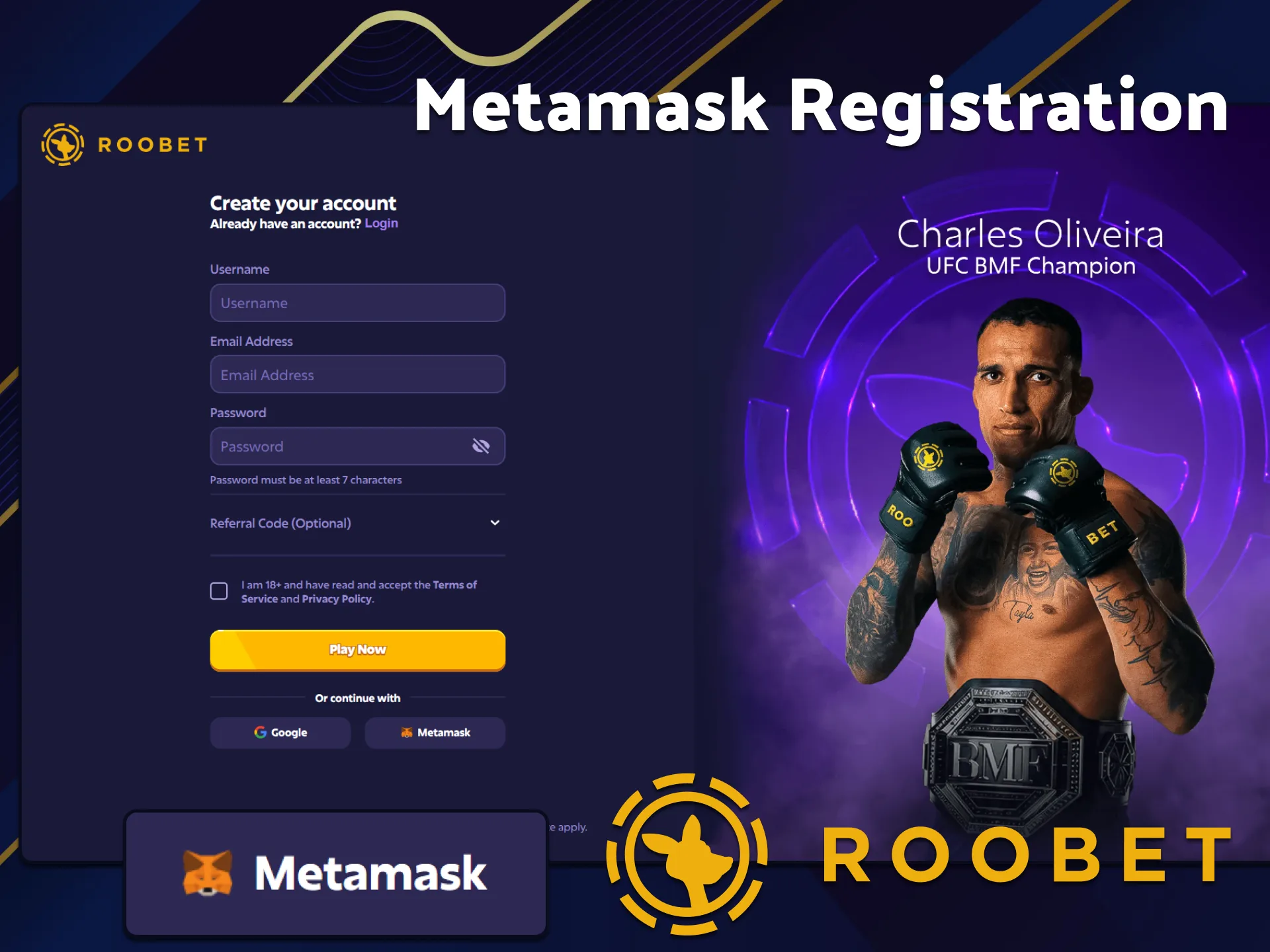
Register with Metamask and access your Roobet account.

MetaMask registration links your Roobet account to your crypto wallet instead of an email and password.

  1. Install MetaMask and create or unlock your wallet.
  2. Open Roobet, tap Register, and choose MetaMask.
  3. Approve the connection and sign the verification message. This costs no gas fee and gives no access to your funds.
  4. Create a username, confirm you are 18+, and accept the Terms and Conditions.
  5. Finish the sign up. Your account opens right away.

On mobile, open Roobet in the MetaMask app browser. Never share your seed phrase, and complete verification before your first withdrawal.

Register on Roobet via Google Account

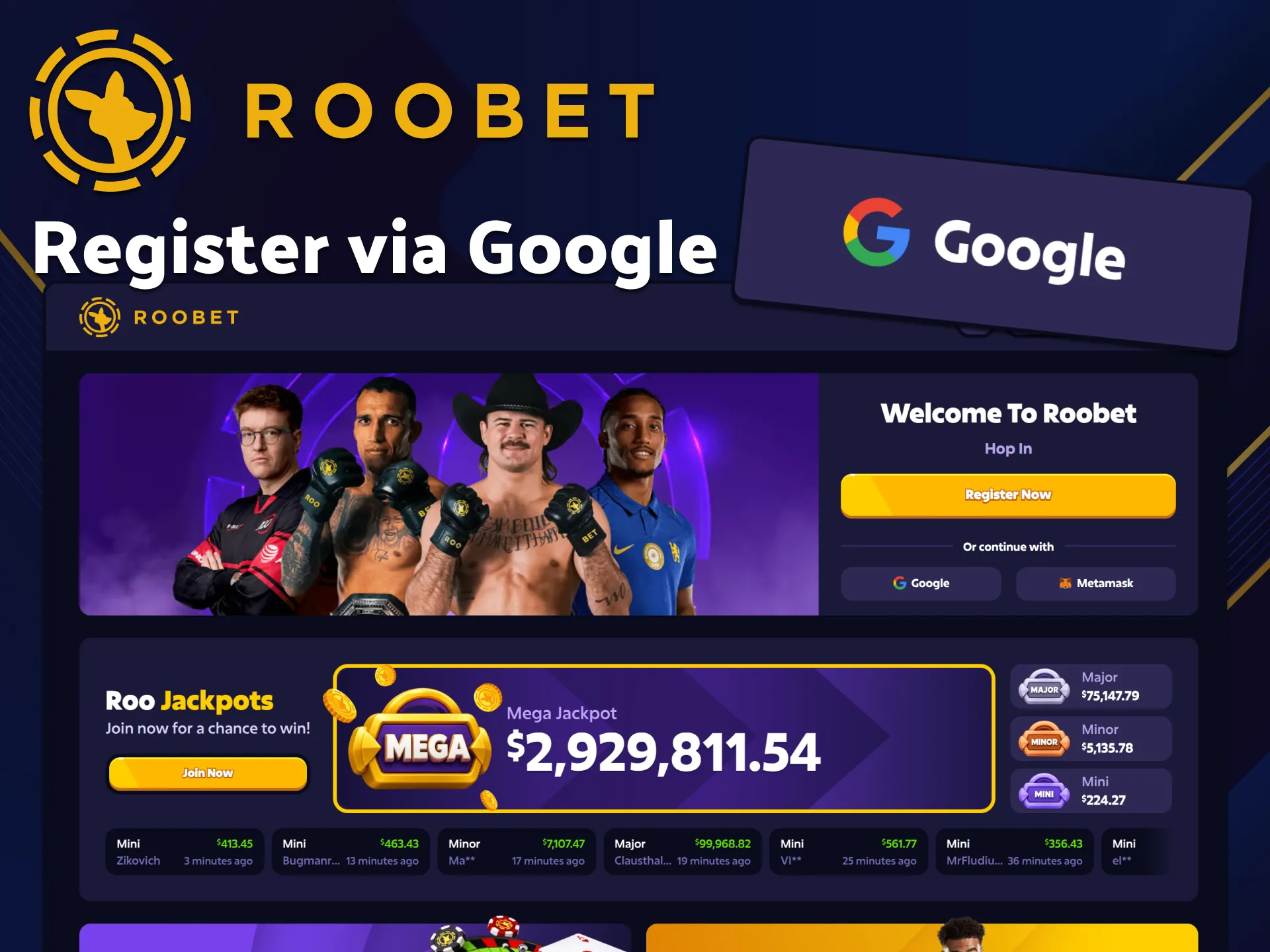
Link your existing Google profile to Roobet.

Google sign up is the quickest way to open a Roobet account. There is no separate password to create, because your Google account handles the login, and your name and email are filled in automatically.

  1. Tap the Register button.
  2. In the registration window, choose Continue with Google instead of filling in the email form.
  3. Pick the Google account you want to use, or sign in to Google if you are not logged in yet.
  4. Allow Roobet to access your basic profile details: your name, email address, and profile picture.
  5. Create a username, confirm that you are 18 or older, and accept the Terms and Conditions.
  6. Finish the sign up. Your account opens right away and you are logged in.

Next time, just tap Login, choose Google, and you are in with one click. Before your first withdrawal, complete identity verification in your account settings, the same as with any other registration method.

Roobet Registration Bonus for Players From Canada

New players in Canada get 20% cashback on net losses, up to CAD 200 per day. This offer credits automatically to your new account once daily play concludes; no bonus code needed.

Detail Description
Cashback rate 20% of net losses
Maximum daily credit CAD 200
Eligibility New verified Canada accounts
Credit schedule Once per daily cycle
Bonus code Not required

Cashback funds post to your balance and follow the wagering terms listed on the promotions page at claim time.

Verify Your Roobet Account

Verification confirms your identity and blocks unauthorized account access. This step is required before processing withdrawals above a set threshold. Completing it early keeps your cashout timeline short.


1.

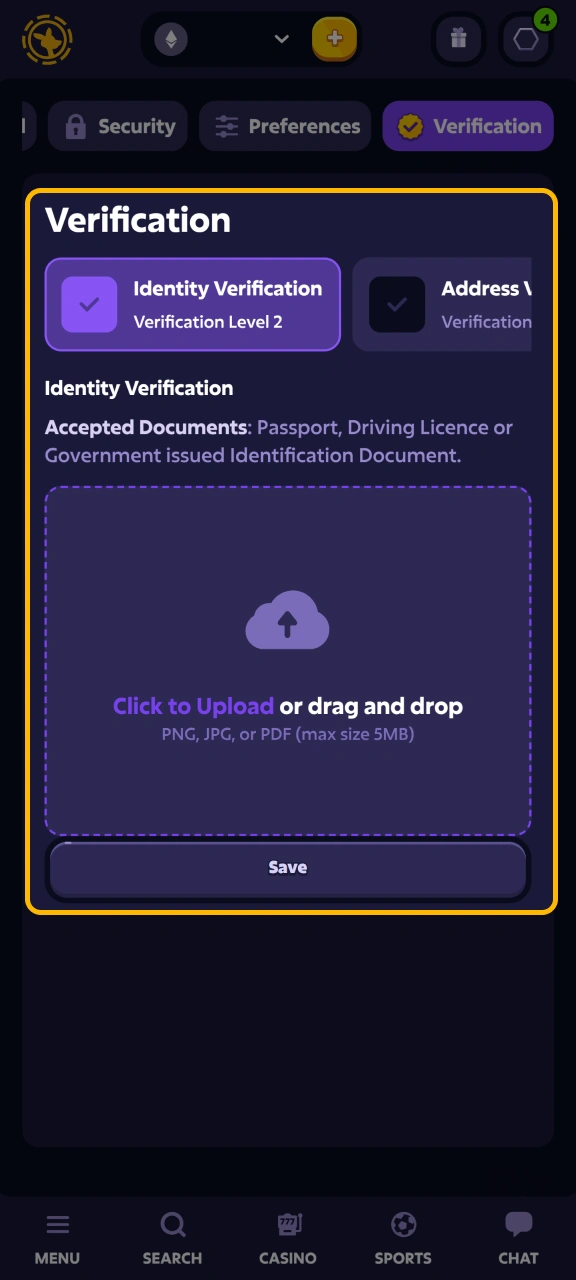
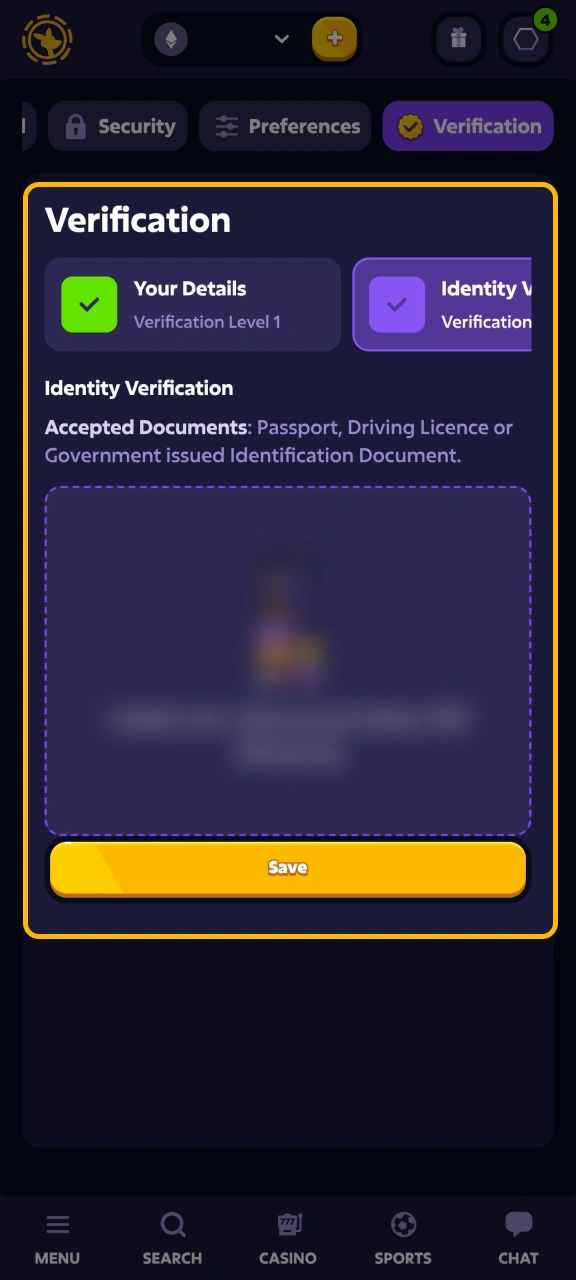
Submit a Government ID

Upload a passport, driver’s licence, or provincial ID card through your account settings.

Upload a clear front-and-back photo of your driver's license or passport and upload it to Roobet.
2.

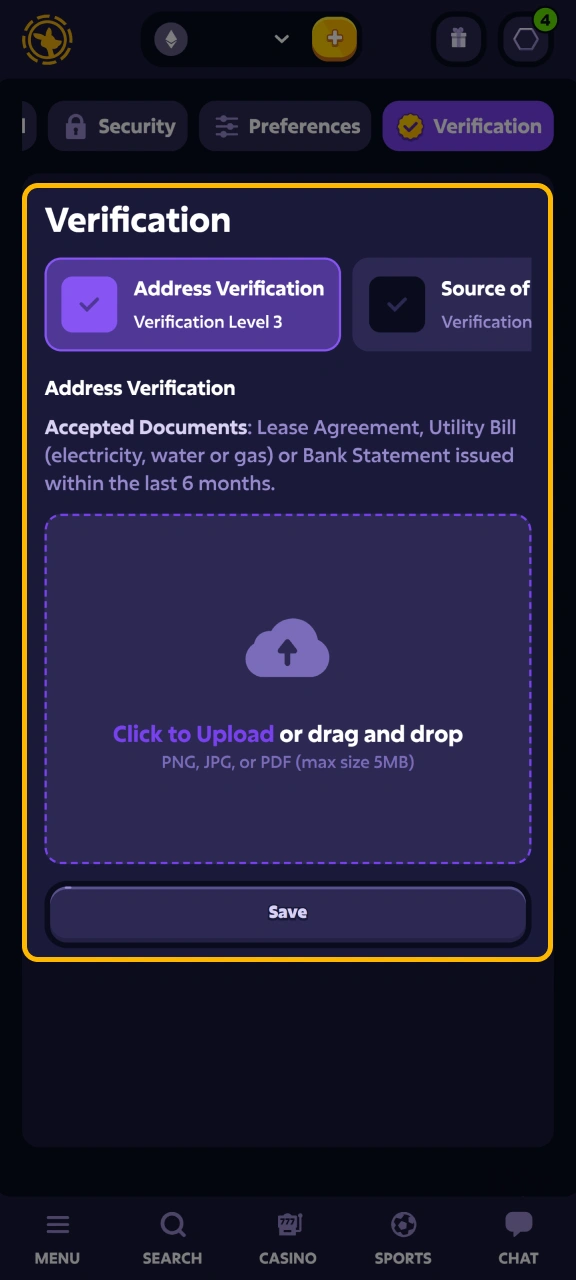
Confirm Your Address

Provide a utility bill or bank statement dated within the last three months.


Provide a recent utility bill or bank statement to confirm your address on Roobet.
3.

Upload a Selfie and Wait for Review

Take a photo holding your ID next to your face for identity confirmation. The compliance team reviews submissions within 24 hours for most accounts.


Complete facial liveness checks and wait for the Roobet confirmation of your account.

Account Registration Requirements on Roobet

  1. Minimum Age. You must be at least 19 years old in most Canadian provinces, or 18 in Alberta, Manitoba, and Quebec.
  2. One Account Per Person. A single account applies per user; duplicate accounts get suspended.
  3. Accurate Personal Information. Your name, date of birth, and address must match your government ID.
  4. Single Currency Choice. Your account currency locks after registration and cannot switch later.
  5. Valid Contact Details. Your email or phone number must stay active for verification codes and account recovery.

Log In to Your Roobet Account

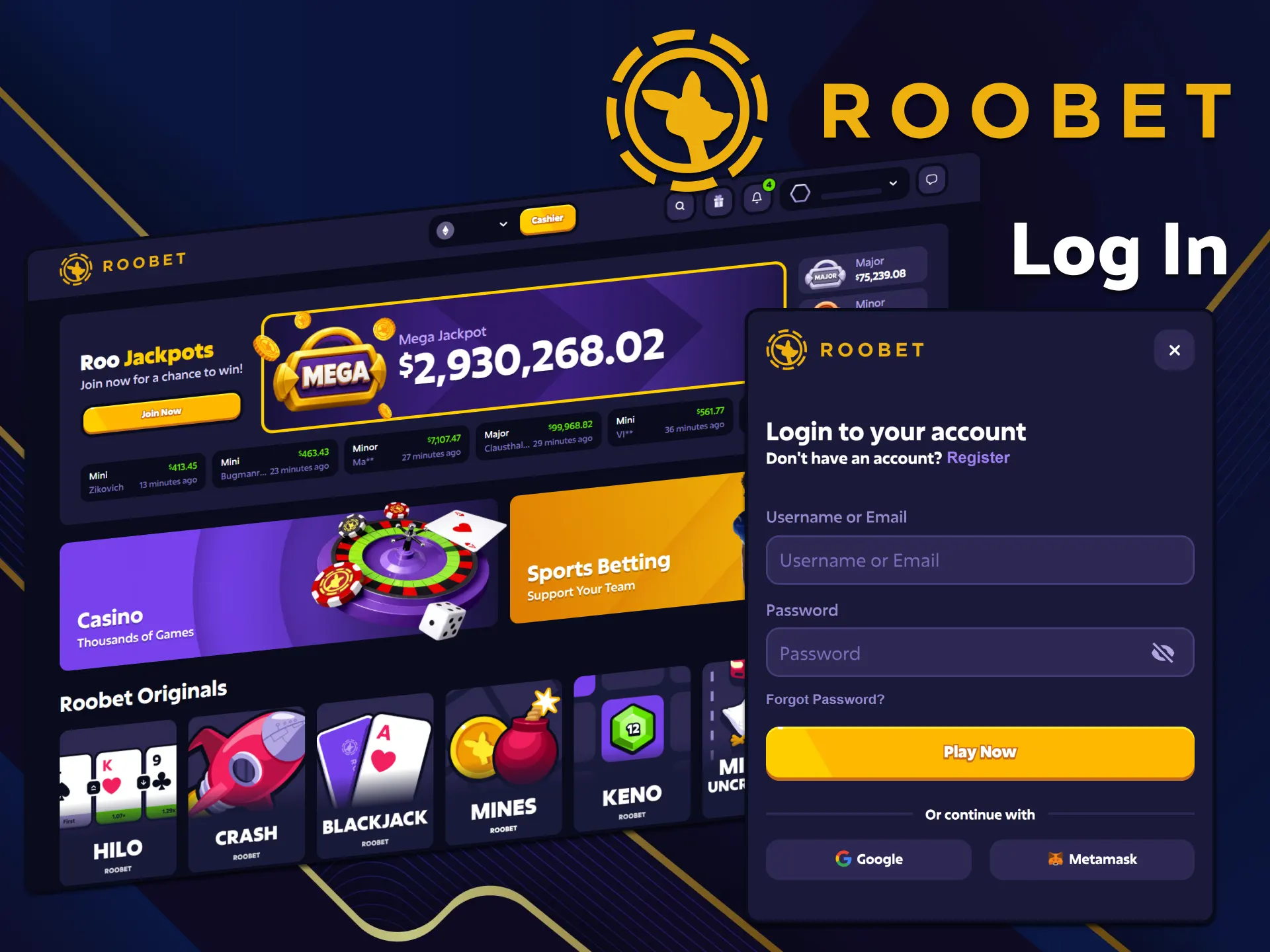
Enter your saved credentials to log in to your Roobet account.

Your login opens your balance, bet history, and active bonuses.

  1. Select Log In. Choose Log In on this page.
  2. Enter Your Credentials. Type your email or phone number and password, or select your social login provider.
  3. Confirm Your Identity. Enter your SMS or authenticator code if a secondary verification step is active.
  4. Access Your Dashboard. Reach your balance, deposit options, and bet slip after confirmation.

Your login path follows whichever method you chose during registration.

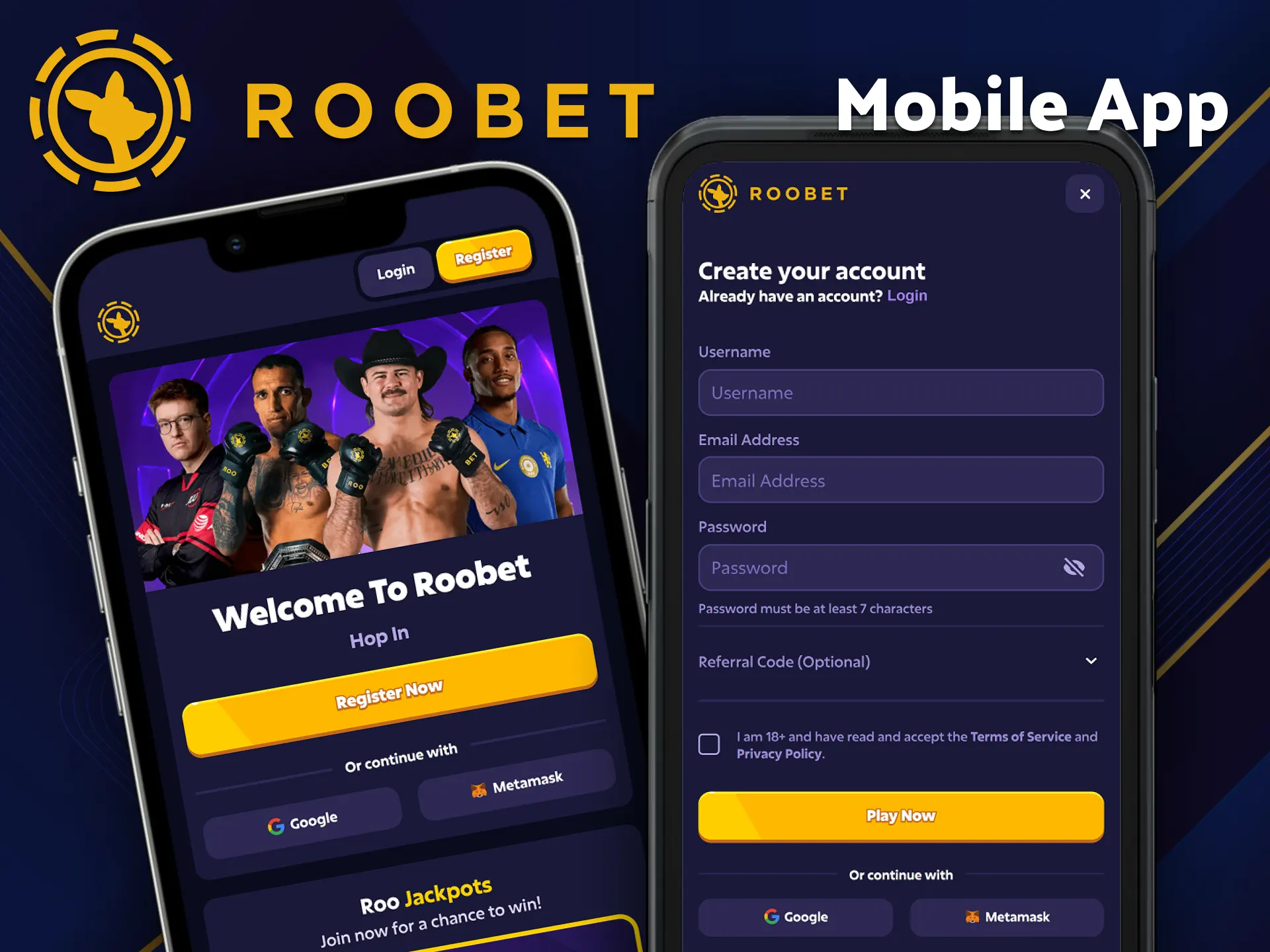
Register on Roobet via Mobile App

Add the web app shortcut to your home screen and create a Roobet account.

Roobet runs as a mobile web platform instead of a native download, opening the full casino and sportsbook library in your phone browser. Registration in Roobet app takes only a few taps and is especially convenient if you use Google or MetaMask. Your Google account is usually already signed in on the device, and the MetaMask app connects to Roobet in a couple of taps.

  1. Open Your Mobile Browser. Launch Chrome or Safari on your phone and go to the registration page. For MetaMask sign up, open Roobet in the browser built into the MetaMask app instead.
  2. Add to Home Screen. Open the browser menu and tap Add to Home Screen, so you can launch Roobet like an app without opening the browser each time.
  3. Complete Sign Up. Tap Register and choose your method: the classic email form, Continue with Google, or MetaMask. With Google, pick the account already on your phone. With MetaMask, approve the connection and sign the message in the wallet.
  4. Confirm Your Account. If you registered by email, confirm it through the link in your inbox. Google and MetaMask accounts open right away, so you can log in and play immediately.

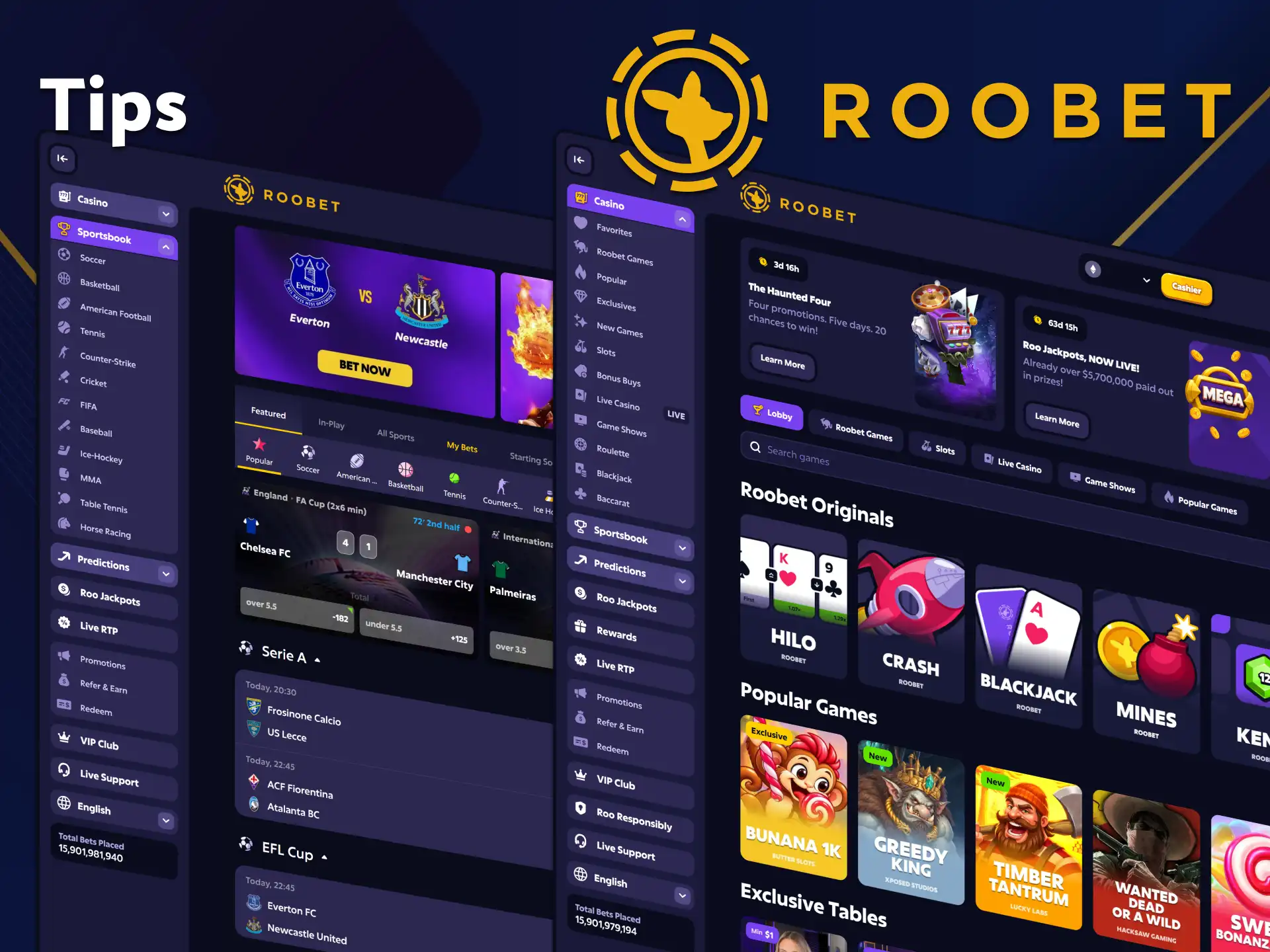
Tips for Beginners on Roobet

Learn about bankroll management, RTP rates, and provably fair mechanics at Roobet.

New players choose between two areas: Casino and Sports Betting.

  • Casino. Start with originals such as Crash, Plinko, Mines, and Towers for straightforward rules and quick rounds. Slot titles from providers like Pragmatic Play and Hacksaw Gaming include a Bonus Buy option, letting you pay a set price for direct access to the bonus round; wins from Bonus Buy still follow the wagering terms of active promotions. Demo mode lets you test slot mechanics with credit before switching to cash play;
  • Sports Betting. The sportsbook lists upcoming matches across football, tennis, basketball, and esports. Check team form, past matchup results, and posted odds before placing your first bet slip.

How to Close Your Roobet Account

Account closure runs through account settings or direct support contact, not a self-service deletion button.

  1. Withdraw Your Balance. Cash out your available balance before closure; funds linked to a closed account become inaccessible.
  2. Open Responsible Gambling Settings. Go to your account settings and select the Responsible Gambling section for a voluntary exclusion tool or account limits.
  3. Contact Support Directly. Message live chat and request permanent account closure if the exclusion tool does not cover full deletion.
  4. Confirm Pending Bets. Settle any open bets or bonus wagering requirements before your request processes; unresolved bonuses get forfeited on closure.
  5. Data Retention. Account records stay on file per licensing and financial compliance regulations even after closure.

Benefits for Registered Users on Roobet

Registration opens a full set of platform tools and betting options.

Spin thousands of top slots and table games with Roobet.

Full Game Library Access

Reach originals, slots, live dealer tables, and the sportsbook from one account.

Place pre-match and in-play wagers with Roobet live betting.

Live Betting Markets

Place wagers on matches in progress across football, tennis, and esports.

Track your betting history, active promos, and VIP level from a Personalized Dashboard on Roobet.

Personalized Dashboard

Track your bet history, deposit records, and active bonuses in one place.
Protect your balance with 2FA, session trackers, and whitelisted addresses using Roobet Account Security Tools.

Account Security Tools

Set a secondary verification step and withdrawal limits from your account settings.
Enjoy near-instant crypto withdrawals and fast Interac transfers on the Roobet platform.

Faster Cashouts

Verified accounts process withdrawal requests without added identity checks at cashout.

Common Roobet Registration Problems and Solutions

Registration runs without issues for most players, though a few common problems come up.

Problem Solution
Confirmation email not received Check your spam folder and add the sender to your safe list
SMS code not arriving Request a new code after 60 seconds or switch to email registration
Currency locked to wrong option Contact support before your first deposit; currency changes are not possible after that point
Account flagged as duplicate Submit a support ticket with your ID to confirm a single account per household
Weak password rejected Use at least 8 characters with one number and one symbol

Roobet Support Available 24/7 in Canada

The Roobet support team answers live chat requests around the clock for players across Canada. Reach out for help with registration, verification, deposits, or withdrawal timelines at any hour.

FAQ

What documents are required for verification on Roobet?

You need a government ID, a proof of address dated within three months, and a selfie for identity confirmation.

Can I change my account currency after registration?

No. Your account currency locks once registration completes, so confirm your choice before submitting the form.

Does Roobet accept cryptocurrency for deposits?

Yes. Bitcoin, Ethereum, Litecoin, and USDT are accepted alongside standard payment options.

How long does account verification take?

Most verification reviews complete within 24 hours after document submission.

What happens to cashback if my account stays unverified?

Unverified accounts cannot withdraw cashback credits; complete Roobet verification before requesting a payout.

Updated: