
How to Withdraw Your Winnings from Roobet
A withdrawal from Roobet moves your balance to the payment method you pick, often near instant for crypto and up to 24 hours for other options. As a crypto casino, Roobet supports cashouts in nine cryptocurrencies for Canada players, plus Cash options, covering Bitcoin (BTC), Ethereum (ETH), Tether (USDT), and more. Identity verification may apply before funds release, mainly on your first cashout or on larger amounts. Log into your account from the homepage and open the cashier to begin. Your balance is ready. Withdraw now and watch your funds land.
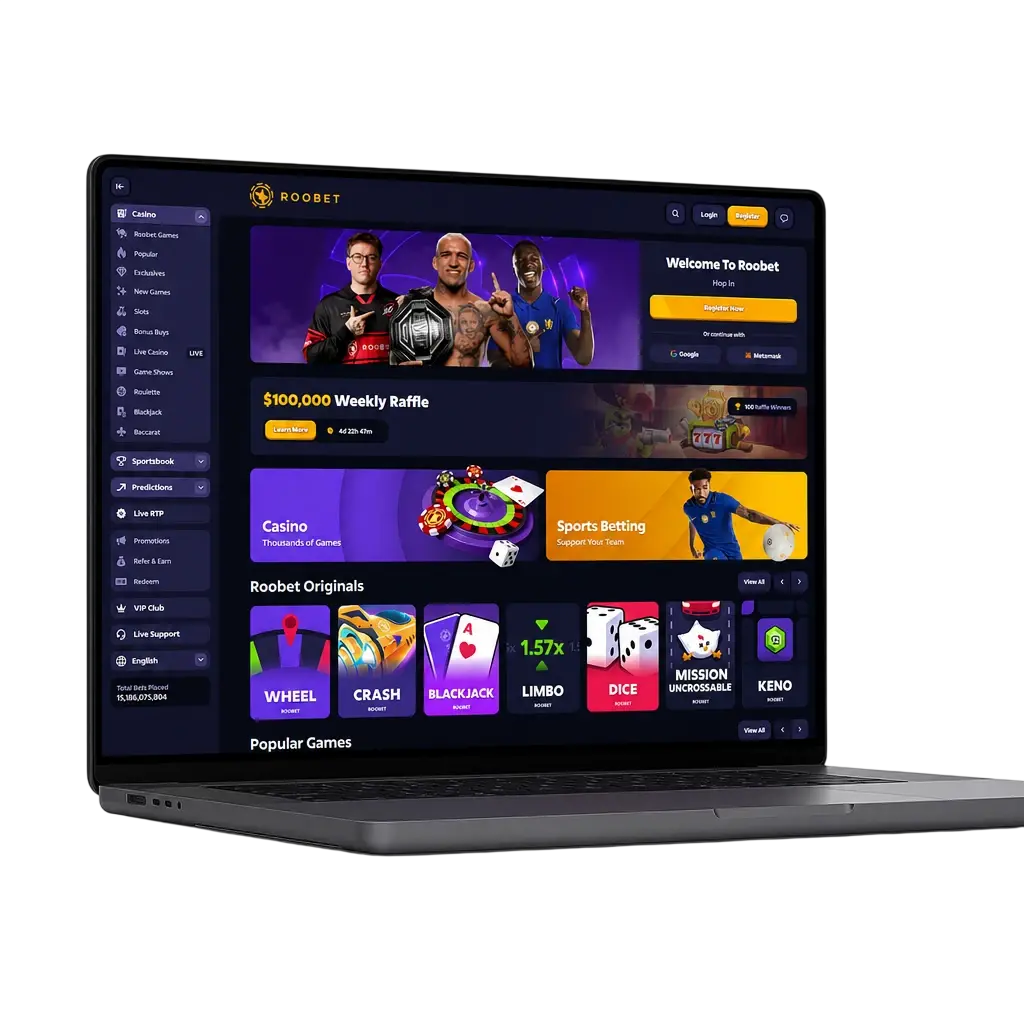
Step by Step Guide to Withdraw Funds from Roobet
A withdrawal takes minutes once your account is verified. This applies to balances from casino wins and sportsbook bets alike.
Open the Cashier
Click the “Withdraw Now” button below to log into your account. Select “Cashier” from the main menu. Your available balance shows at the top of the screen.
Choose a Withdrawal Method
Pick a cryptocurrency such as BTC, ETH, or USDT, or select Cash if it is active for your region. Each method lists its own limit and processing time.
Enter the Withdrawal Amount
Type the figure you want to cash out. The cashier displays the minimum and maximum for your selected method before you confirm.
Confirm Your Details
Check your wallet address or payment details before submitting the request. A verification prompt may appear if this is your first cashout or the amount tops a set limit.
Wait for Processing
Roobet withdrawal time depends on your chosen method. Crypto clears within 10 to 30 minutes. Cash can take up to 24 hours. Track the status in your transaction history.
Withdrawing Crypto from Roobet: Network Selection and Verification
Roobet supports crypto cashouts in BTC, ETH, USDT (TRC20 and ERC20), USDC, LTC, DOGE, TRX, XRP, and SOL. Follow these steps to move funds to an external wallet:
- Click the “Withdraw Now” button below and open the Cashier tab from your account menu.
- Select the cryptocurrency you want to cash out, for example USDT or SOL.
- Pick the correct network for that coin. USDT works on both TRC20 (Tron) and ERC20 (Ethereum), so match the network to your wallet to avoid a failed transfer.
- Paste your external wallet address and confirm it matches the selected network.
- Enter the withdrawal amount, respecting the coin minimum, and submit the request.
- Complete identity verification if prompted. This step confirms fund ownership before release.
- Wait for a quick blockchain confirmation. BTC and ETH transfers typically post within 10 to 30 minutes, depending on network traffic.
Verify Your Roobet Account Before Cashing Out

Roobet may request identity verification before releasing a withdrawal. This step confirms you own the account and the funds inside it. The Roobet verification process typically involves confirming your email, linking a social login such as Google or Steam, and in some cases uploading a government issued ID. Larger withdrawal amounts or first cashouts trigger this check more often. Bonus funds tied to a Roobet welcome bonus may carry separate release conditions before you can withdraw them. Complete your profile early through registration to avoid delays once you request a payout, and keep your account information current. Verified accounts move through the cashier faster and face fewer holds on future withdrawal requests.
Minimum and Maximum Withdrawal Amounts at Roobet
Roobet minimum withdrawal amounts vary by payment method, and knowing them upfront helps you plan a cashout. Canada withdrawal options include Cash transfers and nine cryptocurrencies, each carrying its own minimum and maximum in the table below. Crypto withdrawals carry no additional platform fee, only a standard blockchain network fee tied to your chosen currency and shifting with network traffic. Cash withdrawals route through a linked bank processor and may include a processor fee. All financial transactions route through encrypted channels tied to your chosen payment method. Limits can shift with your VIP tier, so confirm the current figures inside your cashier before you submit a request. Fund your account first through the Roobet deposit page to start playing toward your next cashout.
Figures reflect standard 2026 thresholds. Confirm exact limits tied to your account tier inside the cashier.
Cash (CAD)
Min: 20 CAD | Max: 10,000 CAD per request | Fee: Processor fee may apply
Bitcoin (BTC)
Min: 0.0002 BTC | Max: No fixed cap | Fee: Network fee only
Tether (USDT)
Min: 20 USDT | Max: No fixed cap | Fee: Network fee only
USD Coin (USDC)
Min: 20 USDC | Max: No fixed cap | Fee: Network fee only
Ethereum (ETH)
Min: 0.005 ETH | Max: No fixed cap | Fee: Network fee only
Solana (SOL)
Min: 0.5 SOL | Max: No fixed cap | Fee: Network fee only
Siu
Min: 100 SIU | Max: No fixed cap | Fee: Network fee only
BHB Coin
Min: 100 BHB | Max: No fixed cap | Fee: Network fee only
XRP
Min: 20 XRP | Max: No fixed cap | Fee: Network fee only
Tron (TRX)
Min: 100 TRX | Max: No fixed cap | Fee: Network fee only
Litecoin (LTC)
Min: 0.1 LTC | Max: No fixed cap | Fee: Network fee only
Dogecoin (DOGE)
Min: 50 DOGE | Max: No fixed cap | Fee: Network fee only
Withdrawal Steps via the Roobet Mobile App
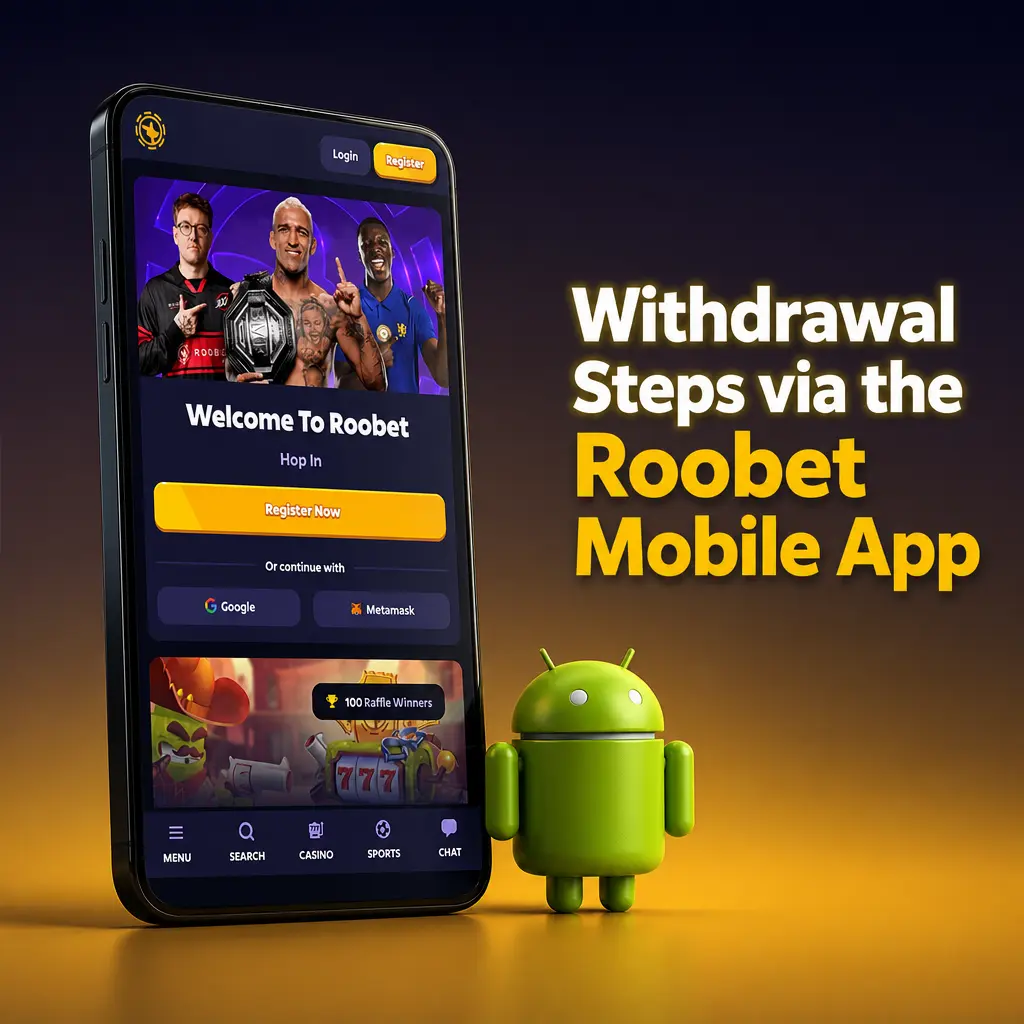
- Click the “Download the App” button below to add the Roobet app to your Android device.
- Log into your account and tap the wallet icon in the bottom menu.
- Select “Withdraw” and choose your payment method, such as BTC or USDT.
- Enter the withdrawal amount and confirm your wallet address.
- Submit the request and track its status under “Transaction History.”
Get the app from the download page and manage your withdrawal amount from any device. Withdrawal time on mobile matches desktop processing, so track status from anywhere.
Common Withdrawal Issues and How to Fix Them
Withdrawal requests can stall for a few common reasons. Use this table to spot the cause and fix it fast.
| Problem | Reason | Solution |
|---|---|---|
| Withdrawal stuck pending | Identity verification incomplete | Upload the requested ID in your account settings. |
| Request rejected | Wallet address mismatch with the selected network | Confirm the network matches your wallet before resubmitting. |
| Amount below minimum | Entered figure under the coin threshold | Check the minimum withdrawal amount for that method. |
| Delayed Cash payout | Bank or processor review | Allow up to 24 hours before contacting the support team. |
Roobet VIP Loyalty Program

Active players climb through the Roobet VIP program, earning weekly and monthly bonuses tied to their wagering. Higher tiers grant a dedicated VIP host, faster support response, and boosted rakeback on every bet. Points accumulate automatically as you play slots or originals like Roobet Crash and Plinko. Check your current tier and rewards on the loyalty program page.
Earn More with the Roobet Affiliate Program

The Roobet affiliate program pays commission on every referred player’s activity, tracked through a dedicated dashboard. Partners access custom referral links, transaction reports, and monthly payouts in crypto. Commission structures scale with referred volume, rewarding steady traffic. Sign up through the affiliate program page and start tracking your first referral today.
FAQ
What is the minimum withdrawal amount?
Minimums vary by method. You can withdraw money once your balance passes the coin minimum, generally near 20 USDT in equivalent value; Cash requests start at 20 CAD.
How long does a withdrawal take?
Crypto requests usually clear within 10 to 30 minutes. Cash withdrawals can take up to 24 hours.
Can Canada players withdraw in CAD?
Yes. Roobet Canada withdrawal requests settle in CAD through your linked payment processor, subject to processor limits.
Why does my withdrawal need verification?
Roobet confirms account ownership before releasing funds, mainly on first cashouts or large amounts.
Is there a fee on withdrawals?
Crypto withdrawals carry only the standard blockchain network fee. Cash withdrawals may include a processor fee.
Updated: